

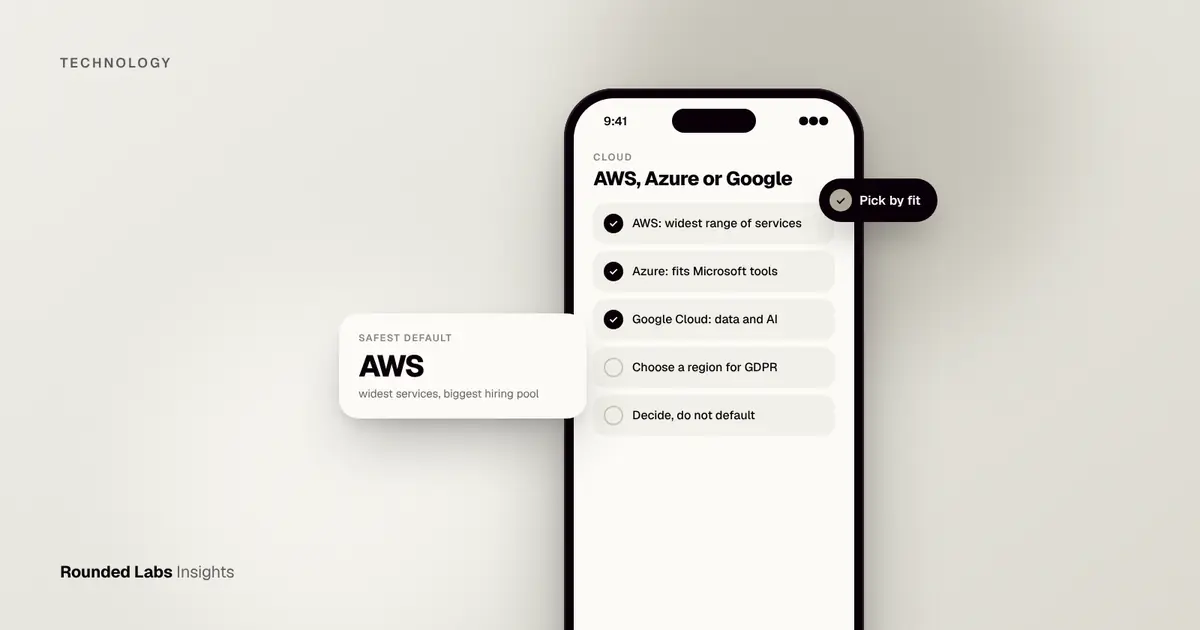
For most new app backends, AWS is the safest default because it has the widest range of services and the largest hiring pool, Azure wins if your company already runs on Microsoft tools, and Google Cloud suits data, analytics and machine learning heavy products. All three can run any normal app, so the real choice is about your team, your existing contracts and your data, not raw capability.
We moved Cubeware‘s analytics product to SaaS for 4,000+ enterprise customers across the DACH region, and cloud choice shaped that project from the first workshop. This guide explains what each provider is good at, how costs behave, how to avoid lock-in, and how to decide. If you are building a web product, our web app development service covers the full build.
Key facts
- AWS, Microsoft Azure and Google Cloud are the three largest public cloud providers, and all three offer servers, databases, storage, identity, monitoring and AI services.
- For a typical early-stage app, the three are within a similar cost band; the bigger cost drivers are design choices such as database size, traffic and data transfer out.
- Moving provider later is possible but costs real money, so decide deliberately rather than by default.
- You may not need any of them directly: a managed backend can be faster for a first version (see Firebase, Supabase or a custom backend?).
- Data location matters. All three let you choose a region, which helps with GDPR and data residency rules.
What is an app backend, and why does the cloud matter?
The backend is the part of your app users never see: the database, the login system, the business rules, file storage and the connections to other systems. It has to be running somewhere, and today that usually means rented capacity in a cloud provider’s data centres instead of servers you buy.
Your cloud choice affects monthly running cost, how easily you can hire engineers, which security certifications you inherit, and how painful it is to change later. For background on the simpler route, see What is a backend as a service?.
How do AWS, Azure and Google Cloud compare?
| AWS | Azure | Google Cloud | |
|---|---|---|---|
| Best known for | Widest service catalogue, mature tooling | Fit with Microsoft 365, Windows and enterprise IT | Data, analytics and machine learning |
| Typical user | Startups to global enterprises | Large organisations already on Microsoft | Data-led and AI-led products |
| Hiring pool | Largest | Large, strong in enterprise | Smaller, growing |
| Learning curve | Steep, many options | Moderate if you know Microsoft tools | Often cleaner for small teams |
| Watch out for | Complex pricing, easy to overspend | Licence bundling can confuse the real cost | Fewer niche services than AWS |
These are generalisations. A good team can build the same app well on any of them.
When is AWS the right choice?
Choose AWS when you want the largest ecosystem, expect to scale unpredictably, or need an unusual service such as specialised messaging, IoT or media processing. It is also the easiest platform to hire for. The cost of that breadth is complexity: it is simple to leave resources running that you no longer need.
When is Azure the right choice?
Choose Azure when your customers or your own staff sign in with Microsoft accounts, when you integrate with Microsoft 365 or Dynamics, or when a corporate client insists on it. Single sign-on with a company’s existing directory is genuinely easier here, and enterprise procurement teams often already have an Azure agreement.
When is Google Cloud the right choice?
Choose Google Cloud when analytics, large datasets or machine learning sit at the centre of the product, or when the team prefers a simpler console. It also pairs naturally with Firebase if you started there.
Not sure which cloud fits your product? We pick the platform against your team, data and budget before any code is written. Book a 30-minute call with a co-founder and we will give you a straight recommendation.
How do cloud costs actually behave?
Cloud bills are made of many small meters: compute time, database size, storage, requests and, often the surprise, data transferred out of the cloud. The same app can cost very different amounts depending on how it is designed.
As a market estimate, a small production app with modest traffic often runs from about £100 to £500 a month in infrastructure (roughly $127 to $635, or €116 to €580), while a busy product with large databases can reach several thousand pounds a month. These are ranges for cloud hosting only, not for building the app, and provider prices change, so use each provider’s pricing calculator for a current figure.
Three habits keep bills sensible:
- Set budget alerts on day one so a mistake is flagged within hours.
- Right-size servers after launch, once you can see real usage.
- Review unused resources monthly: old test environments are the classic leak.
Hosting is separate from build cost. Rounded Labs projects are fixed price agreed before development starts, typically £30,000 to £250,000+, and we show hosting estimates alongside the quote. See our pricing page and Fixed price vs time and materials for app projects.
How worried should you be about lock-in?
Lock-in means that moving away becomes expensive because your app depends on one provider’s special services. Some is unavoidable and fine. The risk is highest with provider-specific databases and serverless functions wired deeply into your code.
Practical ways to stay flexible:
- Use standard databases such as PostgreSQL where possible.
- Package the app in containers, which run on all three clouds.
- Keep business logic in your own code, not in provider configuration.
- Document the setup so a new team can rebuild it. Neglecting this becomes technical debt.
Do not over-engineer for a move that may never happen. A sensible level of portability costs little; full multi-cloud is expensive and rarely worth it for a first product.
Which cloud is best for security and compliance?
All three hold major certifications and publish detailed compliance documentation, and all three operate under a shared responsibility model: the provider secures its data centres, and you secure your configuration, access and code. Most real breaches come from misconfigured storage or weak access controls, not from the provider.
For a UK or EU product, choose a region in the UK or EU and read the rules in UK GDPR for mobile apps. Pair this with the checklist in Mobile app security checklist: OWASP MASVS in plain English. The UK’s National Cyber Security Centre publishes practical cloud security guidance that applies whichever provider you pick.
A worked example: choosing for a B2B SaaS product
Imagine a founder building a B2B reporting tool for mid-sized companies, with 500 business users at launch and heavy dashboards. Their customers sign in with Microsoft accounts, but the product’s value comes from crunching large datasets.
The deciding questions would be:
- Does a major customer demand a specific cloud? If yes, that settles it.
- Where does sign-in happen? Microsoft accounts point towards Azure.
- Where does the heavy data work happen? Large analytics workloads point towards Google Cloud, though the other two cope.
- Who will maintain it? Pick the platform your team, or your agency, knows best.
Here the realistic answer might be Azure for identity and hosting, using a standard database so the data layer stays portable. The point is that the decision comes from three or four plain business facts, not a feature checklist.
How do you choose in practice?
Work through this order:
- Customer requirement. A signed contract that names a cloud beats every other factor.
- Existing company tools. Use what your IT team already pays for and understands.
- Team skills. The best platform is the one your engineers can run safely. Slow, fragile systems often trace back to poor setup, as in Why apps feel slow, and how to fix it.
- Product type. Data and AI heavy points to Google Cloud; broad, unpredictable needs point to AWS.
- Cost review. Ask for a written monthly estimate with traffic assumptions before you commit.
Finally, test the setup properly before launch; see App testing explained: QA, UAT and beta testing.
Frequently asked questions
Is AWS cheaper than Azure or Google Cloud?
There is no consistent winner. Prices for comparable services are in the same band, and your bill depends far more on design and usage than on provider. Use each provider’s pricing calculator with your own traffic figures.
Can I start on one cloud and move later?
Yes, but it takes planning and budget. Using standard databases and containers makes a later move far cheaper. Expect a migration to be a project in its own right.
Do I need a cloud provider at all for a first version?
Not always. A managed backend can get a first version live faster and cheaper, then you can move to a custom backend when usage justifies it.
Which cloud is best for a startup?
AWS is the usual default because of its ecosystem and hiring pool, but a startup tied to Microsoft customers or to heavy data work may be better served by Azure or Google Cloud. Start from your customers and team, not from brand names.
Does the choice affect GDPR compliance?
Not in itself. All three offer EU and UK regions and data processing terms. Compliance depends on how you configure access, where data sits and what you do with it.
Official sources and further reading
Talk it through with one of our co-founders. 30 minutes, no pressure.